A
Anonymous
Financial expert · Financer

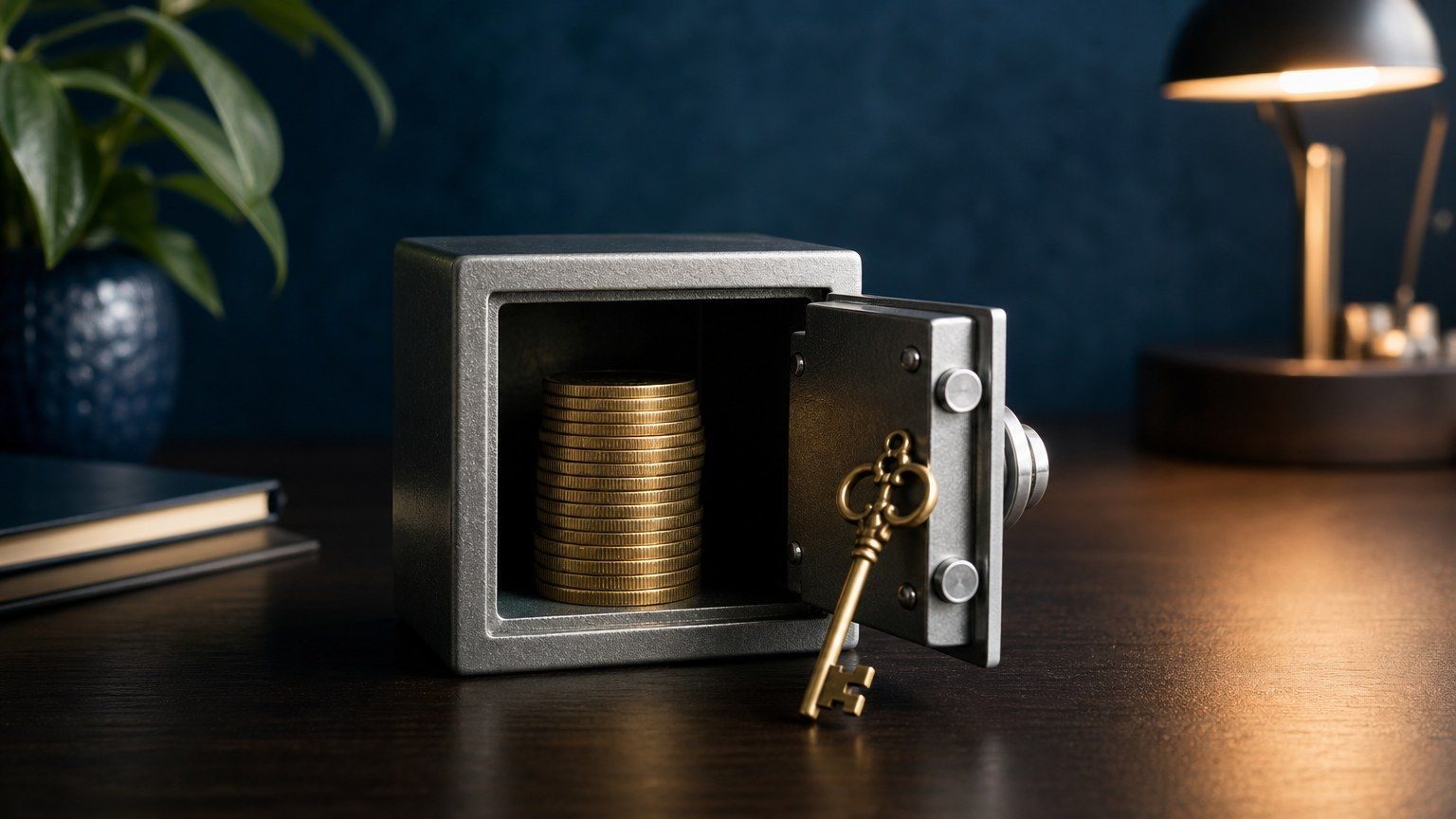
Picking the right crypto wallet can be the difference between sleeping soundly and losing everything to a hack. With billions of dollars in crypto stolen over the past few years, your wallet choice matters more than which coins you buy.
We spent weeks testing the top crypto wallets on the market, comparing their security features, supported coins, ease of use, and overall value. This guide breaks down the best options for 2026, whether you need a free app for everyday trading or a hardware device for long-term cold storage.
A crypto wallet doesn't actually "store" your cryptocurrency. Your coins live on the blockchain. What the wallet stores is your private key, which is the cryptographic password that proves you own those coins and lets you send them.
Think of it like a house key. The house (your crypto) sits on the blockchain, but without the key (your private key), you can't get inside. Lose the key, and your crypto is locked away forever.
Crypto wallets come in several forms: mobile apps, desktop software, browser extensions, and physical hardware devices. Each type balances convenience against security differently.
The biggest decision when choosing a crypto wallet is whether to go hot or cold. Here is what separates them.
We evaluated each wallet based on security features, supported cryptocurrencies, user experience, and cost. Here are our top picks across both hot and cold categories.
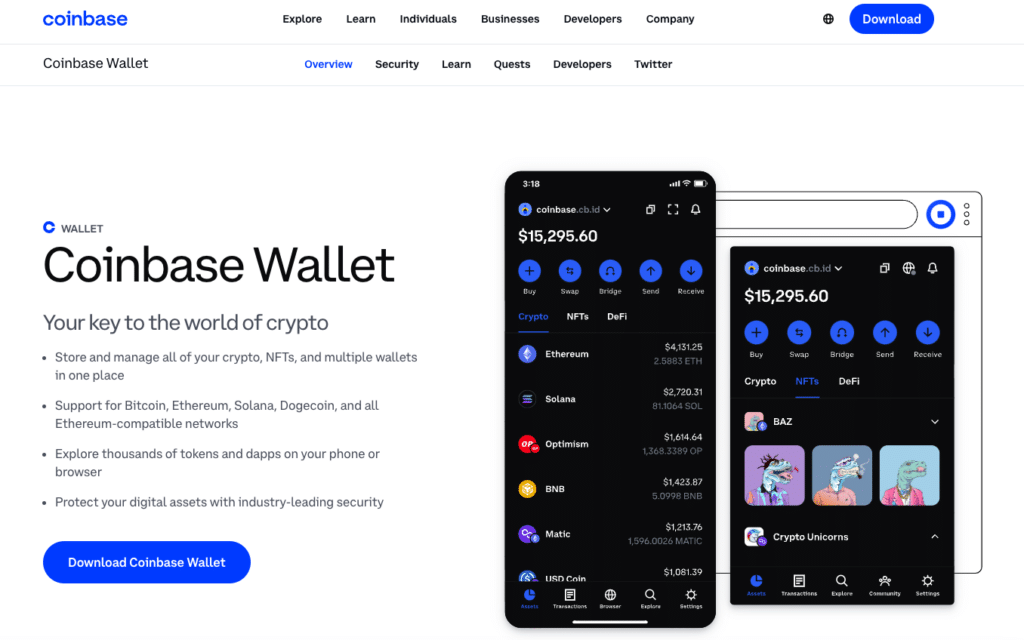
Coinbase Wallet is the easiest starting point for someone new to self-custody. The standout feature is Smart Wallet, which uses passkey technology (biometric authentication like FaceID) to replace the traditional 12-word seed phrase setup. You create a wallet in seconds without writing down anything.
The wallet plays especially well with Coinbase's Base network, a Layer 2 built on Ethereum that offers near-instant transactions at a fraction of mainnet gas fees. For beginners who want to explore DeFi without getting overwhelmed, that is a real advantage.
Cost: Free (network fees apply)
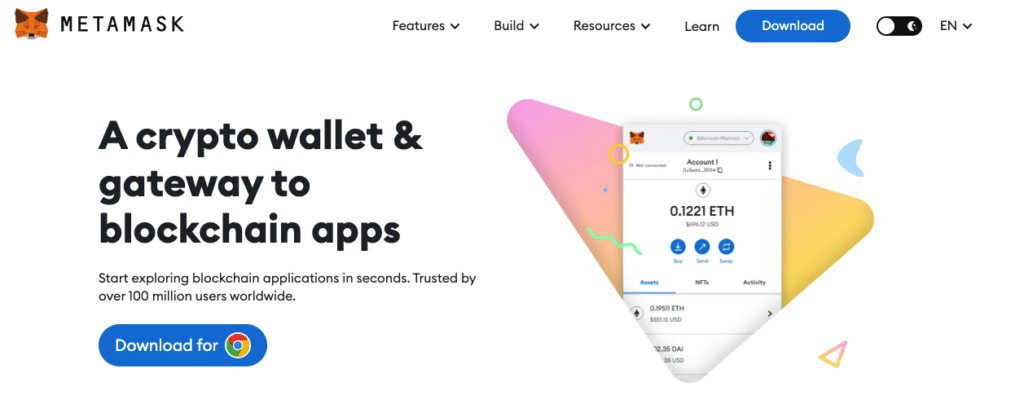
MetaMask remains the gold standard for anyone serious about Ethereum-based DeFi. If you want to swap tokens on Uniswap, mint NFTs, or interact with lending protocols like Aave, MetaMask is what most platforms expect you to use.
A major update expanded MetaMask beyond its Ethereum-only roots. It now supports Bitcoin and Solana natively, along with every major EVM chain. You can also pair it with a Ledger or Trezor hardware wallet, giving you the convenience of MetaMask's interface backed by offline key storage.
Cost: Free (gas fees + 0.875% swap fee apply)
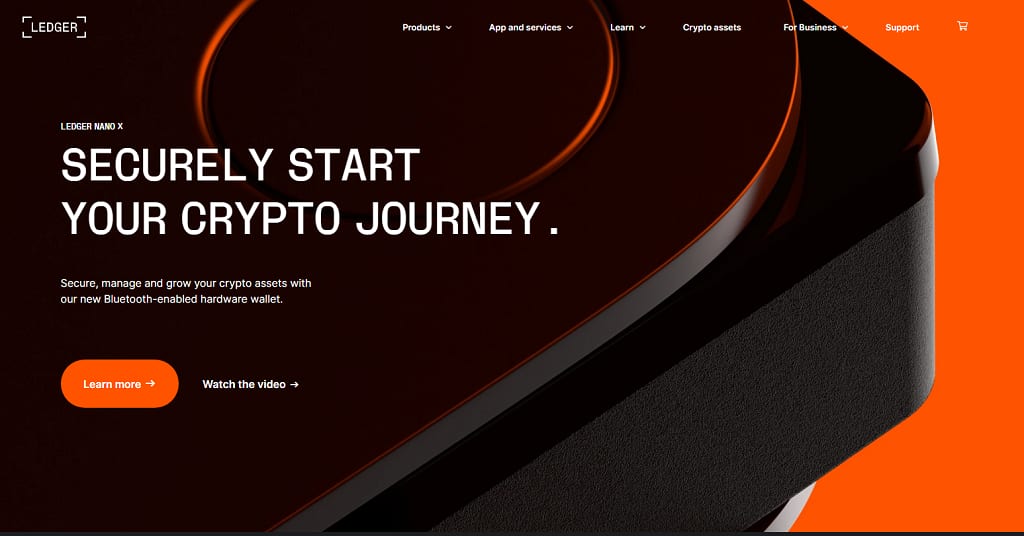
The Ledger Nano S Plus is the best value in hardware wallets right now. At $79, it gives you the same Secure Element chip found in Ledger's more expensive models, supporting over 5,500 cryptocurrencies.
The device signs every transaction offline, so your private keys never touch the internet. Even if your computer is compromised, an attacker cannot extract your keys from the Ledger. The Ledger Live companion app lets you manage assets, stake coins, and even access DeFi directly from the hardware wallet.
Ledger also offers the Nano X ($149) with Bluetooth and a built-in battery for mobile use, the Flex ($249) with an e-ink touchscreen, and the premium Stax ($399) with a larger display.
Cost: $79 (one-time purchase)
Trezor is the original hardware wallet maker, and the Safe 3 brings their open-source philosophy into a modern package. Every line of the firmware code is publicly available on GitHub, which means security researchers worldwide can (and do) audit it. For users who value transparency over everything else, that is a big deal.
The Safe 3 features an EAL6+ Secure Element chip, the same certification level used in banking and government ID cards. It is a no-frills device: plug it in via USB-C, confirm transactions on the built-in screen, and unplug it. Simple.
Trezor also offers the entry-level Model One ($59) and the premium Safe 5 ($129) with a color touchscreen and Bluetooth.
Cost: $79 (one-time purchase)
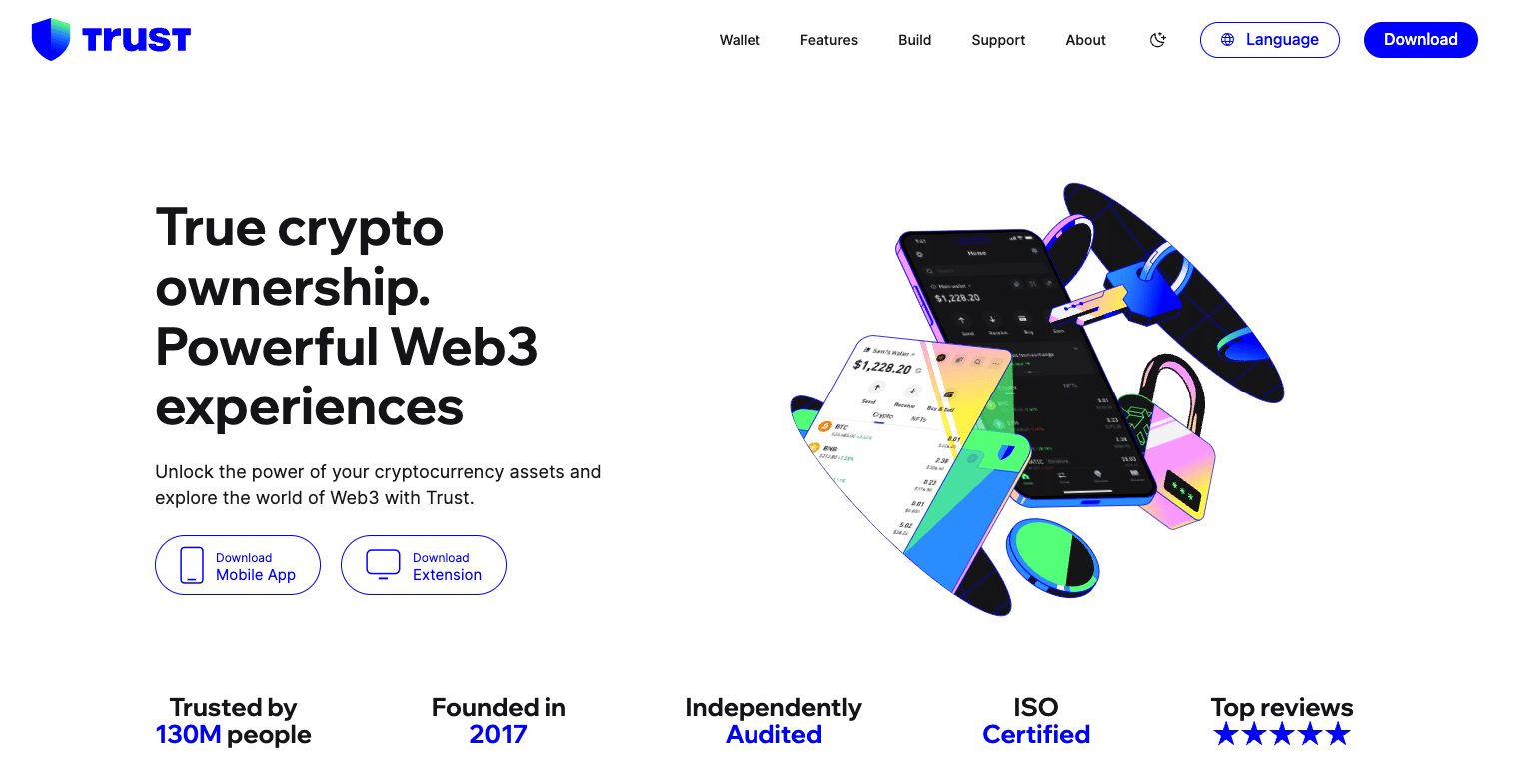
Trust Wallet is the best option if you primarily manage crypto from your phone. It supports over 100 blockchains natively, which means you rarely need to add custom networks manually.
The built-in staking feature is a nice bonus. You can earn passive rewards on coins like Solana (SOL), Cosmos (ATOM), and others directly inside the wallet, with yields typically ranging from 5% to 15% annually. No separate staking platform needed.
Cost: Free (network fees apply)
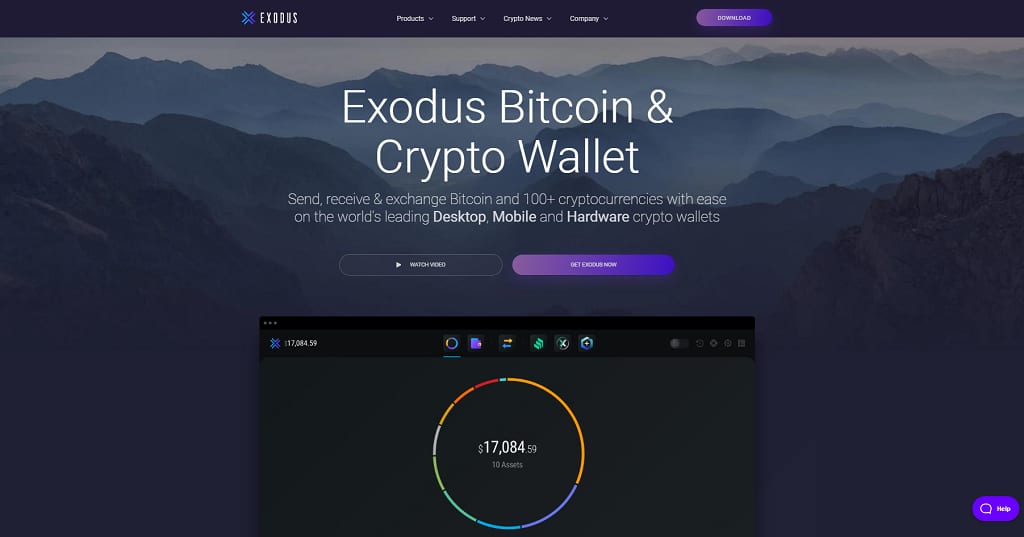
Exodus stands out for its design. The portfolio dashboard shows your asset allocation with clean charts, real-time pricing, and transaction history at a glance. If you want a wallet that feels like a proper financial app rather than a crypto-nerd tool, Exodus nails it.
The built-in exchange aggregator is worth highlighting. Instead of routing swaps through a single provider, Exodus compares rates across 9+ exchange APIs (including ChangeHero, Changelly, and SimpleSwap) to find you the best deal.
Pairing Exodus with a Trezor hardware wallet gives you the best of both worlds: Exodus's polished interface with Trezor's offline key storage.
Cost: Free (exchange fees apply)
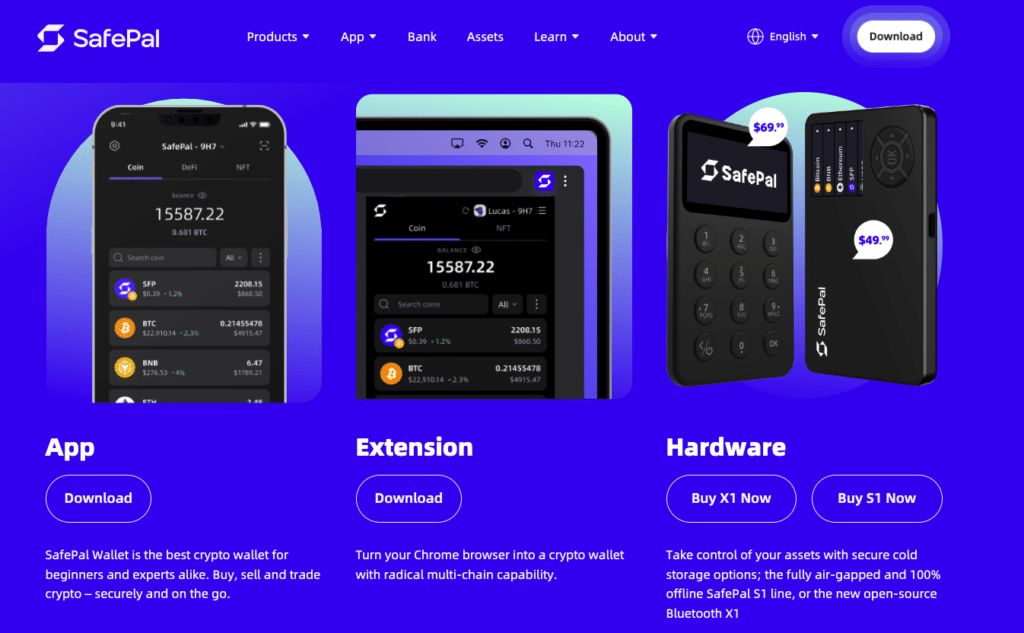
The SafePal S1 takes a different approach to hardware wallet security. Instead of plugging into your computer via USB (which creates a potential attack surface), SafePal uses QR codes. You scan a QR code with the device's built-in camera to confirm transactions. The device never connects to the internet, your phone, or your computer through any cable or wireless signal.
This air-gapped design makes it exceptionally difficult to hack remotely. The tradeoff is speed: each transaction requires scanning QR codes back and forth between your phone and the device, which takes a few extra seconds compared to USB wallets.
SafePal also offers the S1 Pro ($89.99) with an aluminum body and the X1 ($69.99) with Bluetooth connectivity.
Cost: $49.99 (one-time purchase)
This table summarizes the key differences between all seven wallets to help you pick the right one.
| Wallet | Type | Best For | Coins Supported | Key Security Feature | Cost |
|---|---|---|---|---|---|
Coinbase Wallet | Hot (Software) | Beginners | 100,000+ | Smart Wallet passkeys, biometrics | Free |
MetaMask | Hot (Software) | Ethereum & DeFi | All EVM + BTC + SOL | Hardware wallet integration, custom RPCs | Free |
Ledger Nano S Plus | Cold (Hardware) | Security-focused users | 5,500+ | Certified Secure Element chip, offline signing | $79 |
Trezor Safe 3 | Cold (Hardware) | Open-source advocates | 1,000+ | EAL6+ chip, fully open-source firmware | $79 |
Trust Wallet | Hot (Software) | Mobile users | 100+ blockchains | Local key storage, passcode lock | Free |
Exodus | Hot (Software) | Desktop users | 300+ | Trezor integration, password encryption | Free |
SafePal S1 | Cold (Hardware) | Budget cold storage | 20,000+ | Air-gapped QR signing, self-destruct | $49.99 |
Most buyers lose money on fees. We compare the best crypto brokers to maximize your profits.
Compare crypto brokers here!The best wallet for you depends on how you use crypto. Here is a practical framework for deciding.
Decide your security vs. convenience priority
If you hold more than $1,000 in crypto or plan to hold long-term, a hardware wallet is worth the investment. For smaller amounts or active trading, a software wallet is fine.
Check which coins and chains you need
If you only use Ethereum and ERC-20 tokens, MetaMask covers you. If you hold a diverse portfolio across many blockchains, Trust Wallet or Coinbase Wallet offer the broadest support.
Consider DeFi and dApp usage
For active DeFi participation, MetaMask is the standard. Coinbase Wallet is catching up, especially for Base network projects. Hardware wallets can connect to DeFi through companion apps.
Factor in your budget
Software wallets are free. Hardware wallets range from $49.99 (SafePal S1) to $399 (Ledger Stax). The Ledger Nano S Plus and Trezor Safe 3 at $79 each offer the best security per dollar.
Think about combining wallets
Many experienced crypto users keep a hot wallet for daily transactions and a cold wallet for long-term holdings. MetaMask paired with a Ledger, or Exodus paired with a Trezor, are two popular combos.
Your seed phrase (also called a recovery phrase) is a list of 12 or 24 words generated when you set up a wallet. It is the only way to recover your wallet if you lose your device, forget your password, or need to move to a new wallet app.
If someone gets your seed phrase, they get your crypto. No exceptions, no customer support to call.
Wallet security keeps evolving. Here are the most notable developments shaping crypto wallets in 2026.
If you are just getting started with crypto, Coinbase Wallet is the safest bet. The Smart Wallet feature removes the intimidating seed phrase setup, and the Coinbase ecosystem makes buying your first coins straightforward.
For anyone holding more than a few hundred dollars worth of crypto long-term, invest in a hardware wallet. The Ledger Nano S Plus ($79) offers the broadest coin support, while the Trezor Safe 3 ($79) appeals to those who prefer open-source transparency.
Active DeFi users should stick with MetaMask, ideally paired with a hardware wallet. Mobile-first users will find Trust Wallet hard to beat, and desktop users who value design should check out Exodus.
If budget is your primary concern, the SafePal S1 at $49.99 delivers legitimate hardware security at roughly half the cost of the competition.
Whatever you choose, the most important thing is moving your crypto off exchanges and into a self-custody wallet. Your keys, your coins.
For hardware wallets, the Ledger Nano S Plus and Trezor Safe 3 are the most widely trusted due to their track records and security certifications. For software wallets, Coinbase Wallet and MetaMask have the largest user bases and most established reputations. The most trusted wallet depends on your needs: hardware wallets are trusted for security, while software wallets are trusted for accessibility.
Hot wallets are software applications (phone apps, desktop programs, or browser extensions) that stay connected to the internet. They are free and convenient for everyday use but more vulnerable to hacking. Cold wallets are physical hardware devices that store your private keys offline. They cost $49 to $399 but provide significantly stronger protection against online attacks. Many users combine both types.
Software (hot) wallets like Coinbase Wallet, MetaMask, Trust Wallet, and Exodus are free to download and use. You only pay network transaction fees when sending crypto. Hardware (cold) wallets require a one-time purchase: the SafePal S1 costs $49.99, the Ledger Nano S Plus and Trezor Safe 3 cost $79 each, and premium models range up to $399.
If you have your seed phrase (the 12 or 24 words generated during wallet setup), you can recover your entire wallet on a new device or app. Your crypto lives on the blockchain, not inside the wallet itself. However, if you lose both your wallet and your seed phrase, your crypto is permanently inaccessible. No company or customer support can recover it for you.
Yes, most modern wallets support multiple cryptocurrencies. Trust Wallet supports 100+ blockchains, Coinbase Wallet handles 100,000+ assets, and Ledger supports 5,500+ coins. The exact range varies by wallet, so check compatibility with your specific coins before choosing. MetaMask originally only supported Ethereum tokens but now also works with Bitcoin, Solana, and other EVM chains.
You can buy crypto on exchanges like Coinbase or Kraken without a separate wallet. Those platforms provide custodial wallets where the exchange holds your private keys. However, a self-custody wallet (like those in this guide) gives you full control. The crypto saying "not your keys, not your coins" highlights that crypto held on exchanges is only as safe as that exchange.
For XRP specifically, Trust Wallet and Exodus both offer native XRP support with easy management. For hardware storage, the Ledger Nano S Plus supports XRP through the Ledger Live app. The Trezor Safe 3 also supports XRP. If you hold a large amount of XRP long-term, a hardware wallet is the safest option.
Do you have a question about this topic? Ask the community.
Email confirmed — your comment appears after review.
That link expired. Post your comment again.
Anonymous
Financial expert · Financer
Compare crypto exchanges
from 0% maker fee
7 options
11 min readCrypto
6 min readCrypto
14 min readCrypto
6 min readCrypto
14 min readCrypto
Join *Financer Stacks* - Your weekly guide to mastering money basics, stacking extra income, and creating a life where money works for you.